Google Docs as the destination
For eligible hosted meetings, Gemini can prepare an organized Google Doc and make the recap available according to meeting settings. Test the organizer and recipient experience.



Compare AI meeting assistants
Gemini can create a Google Doc from an eligible Google Meet call. Modus works alongside Meet and other platforms with suggestions and live fact-checks. Choose by how you attend meetings and where the recap needs to go.

Scroll sideways to see all columns.
| Question | Modus | Gemini in Google Meet |
|---|---|---|
| Where do I start? | Open Modus and start an approved session on your device. | Use the feature in an eligible Meet meeting. |
| What do I get afterward? | A recap and action items to review and share. | Meet notes in a Google Doc, subject to sharing settings. |
| What can I use in the meeting? | Live suggestions and transcripts, with Fact Check and Explain on Pro. | Take notes for me and eligible in-meeting Gemini capabilities. |
For eligible hosted meetings, Gemini can prepare an organized Google Doc and make the recap available according to meeting settings. Test the organizer and recipient experience.
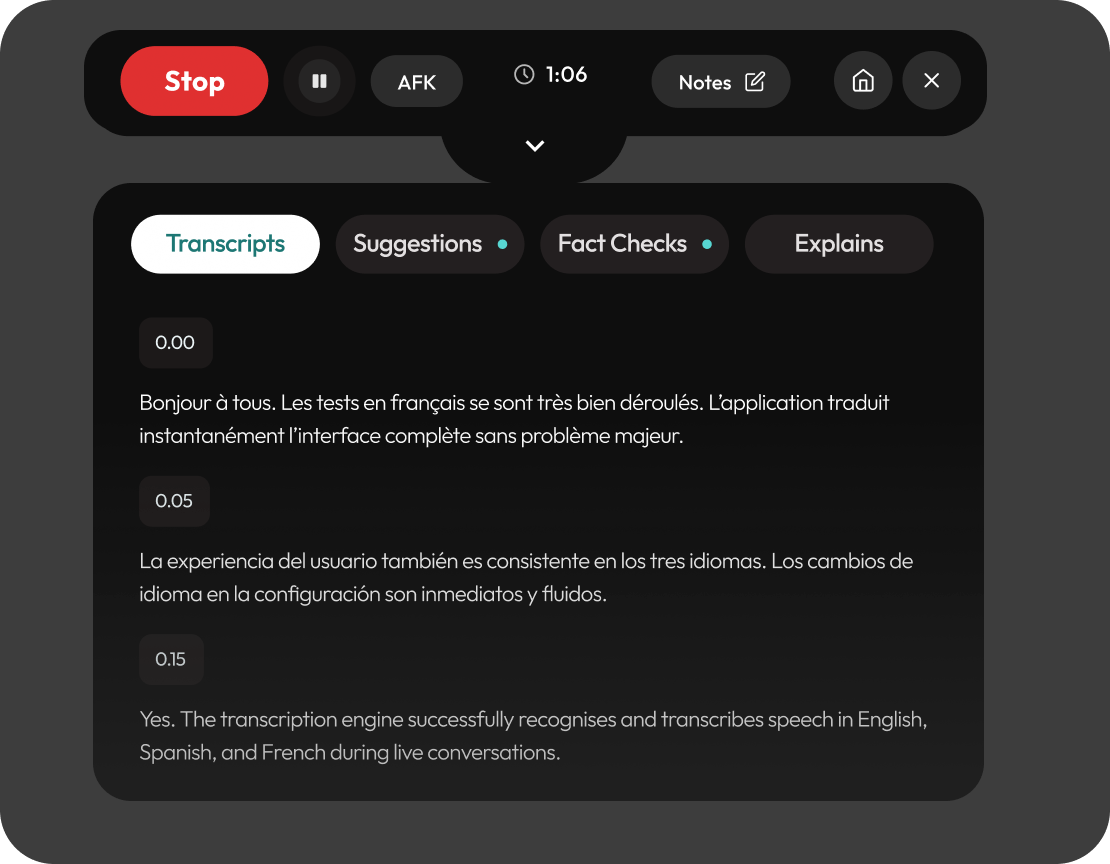
Modus can follow the same desktop workflow alongside Meet, Teams and Zoom, with suggestions and transcripts and a recap afterward.
Google also documents Ask Gemini in Meet. On Modus Pro, use Fact Check for a public claim and Explain for an unfamiliar term, then review the sources before acting.
Use a practice meeting with a colleague from a separate account. This makes host controls and sharing differences visible before you rely on them with customers.

Your AI Powered Proactive Listener

Call Us:

Email Us:
info@fermionaigroup.com