When a single suite runs most calls
Check your existing license and admin choices. An included feature may already give your team the notes, sharing and review controls it needs.



Compare AI meeting assistants
Built-in AI can keep notes close to where your team already works. Modus offers the same live-assistance workflow across supported platforms. Compare both using the mix of meetings on your calendar.

Scroll sideways to see all columns.
| Tool | Best starting point | What to check |
|---|---|---|
| Gemini in Meet | Notes that go into Google Docs for eligible meetings. | Host eligibility and note sharing. |
| Copilot in Teams | Live questions, action items and recaps inside Teams. | Licensing, organizer settings and organization policies. |
| Built-in Zoom AI | Meeting summaries for eligible Zoom Workplace sessions. | Host controls, plan and recap distribution. |
| Modus | Live suggestions and recaps across approved setups. | Device permissions, participants’ expectations and Pro feature access. |
Check your existing license and admin choices. An included feature may already give your team the notes, sharing and review controls it needs.
Use an approved test on the most common host setup for Teams, Meet and Zoom. Compare native access as a guest with your device-based Modus workflow.
Clarify who gets the recap, which system holds the reviewed version, and who can resolve or correct errors. Test this with a realistic action item and a changed decision.
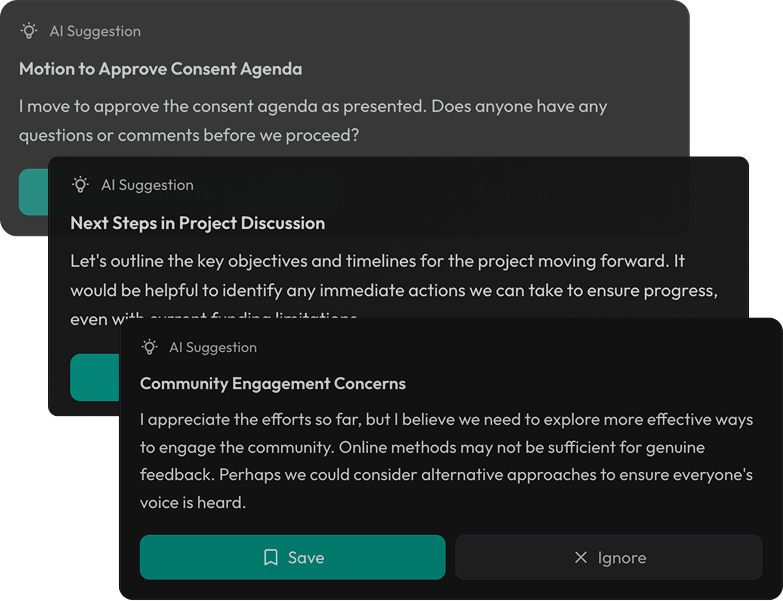
Test the most common hosted setup and a guest setup with a fictional deadline. Compare the result and the work required to deliver a reviewed recap.

Your AI Powered Proactive Listener

Call Us:

Email Us:
info@fermionaigroup.com