

Create your account
Start by signing up with the same work email you use for meetings.
- ✓Open Modus and click Sign Up.
- ✓Enter your work email and create a password.
- ✓Confirm your email, then log in with the same details.
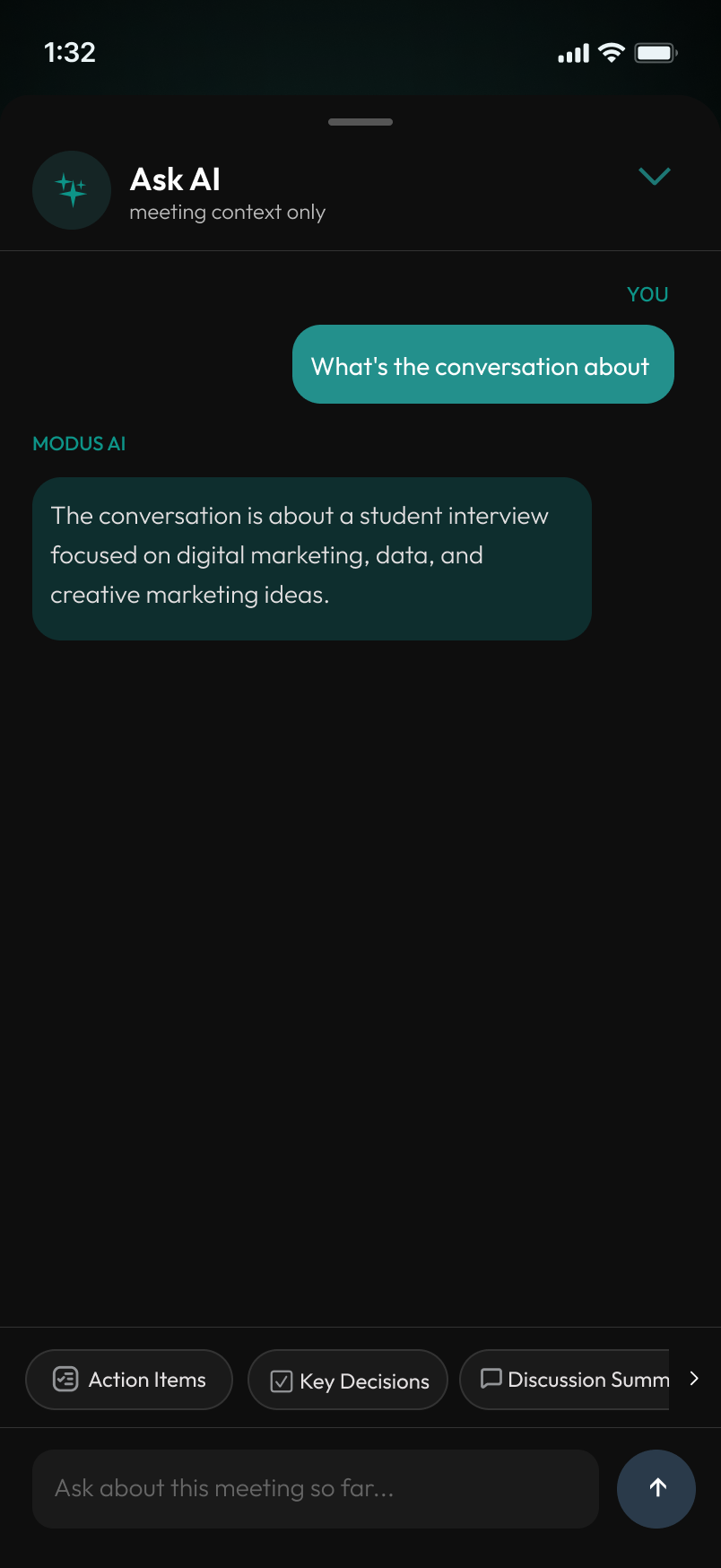
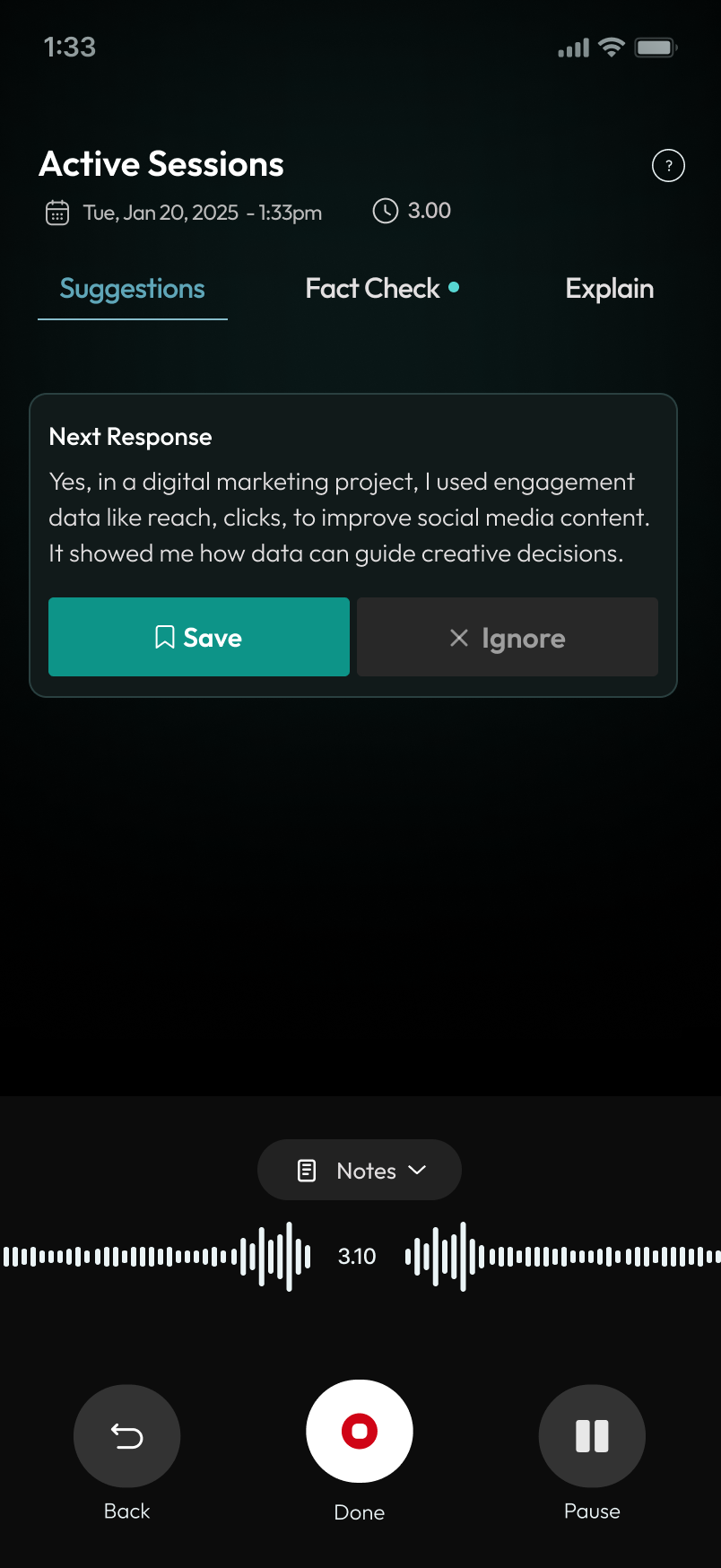
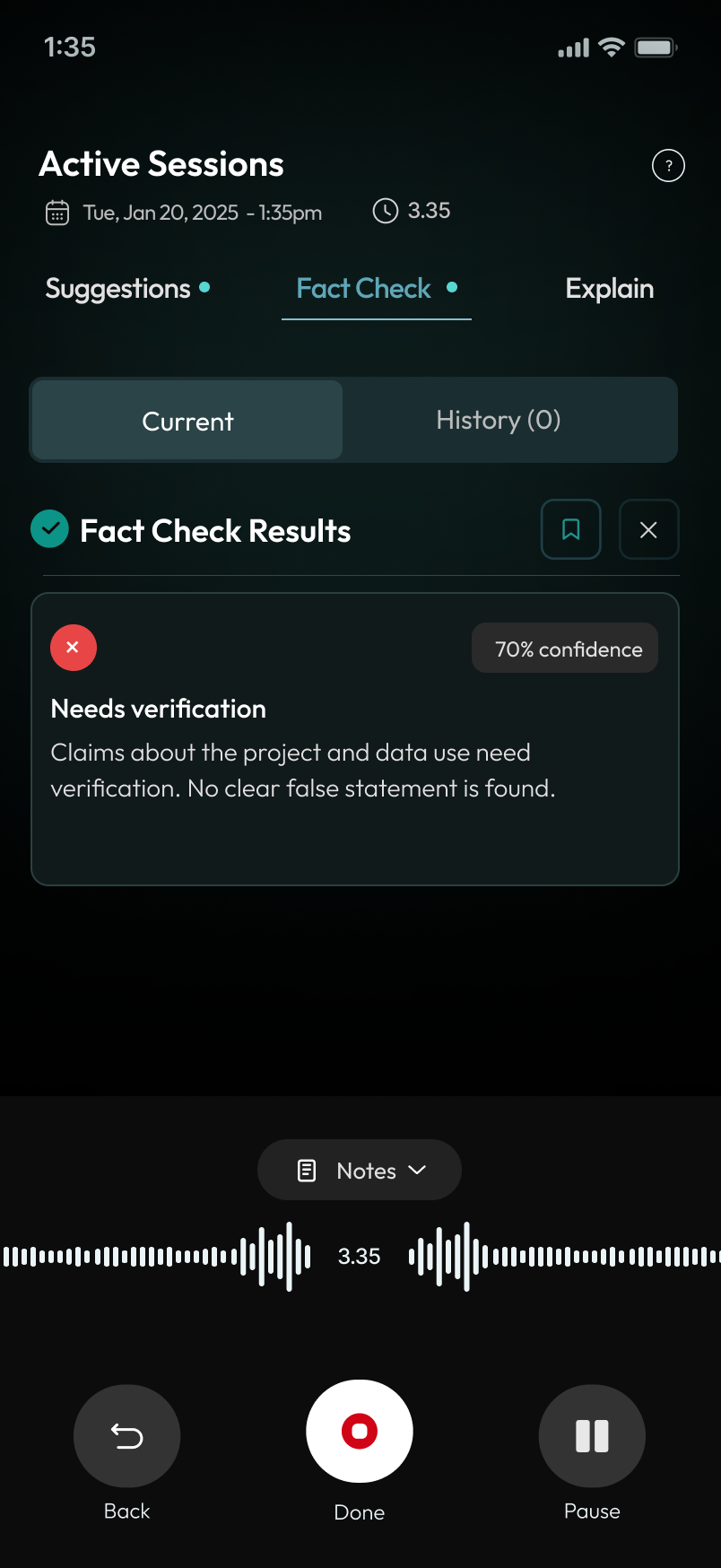
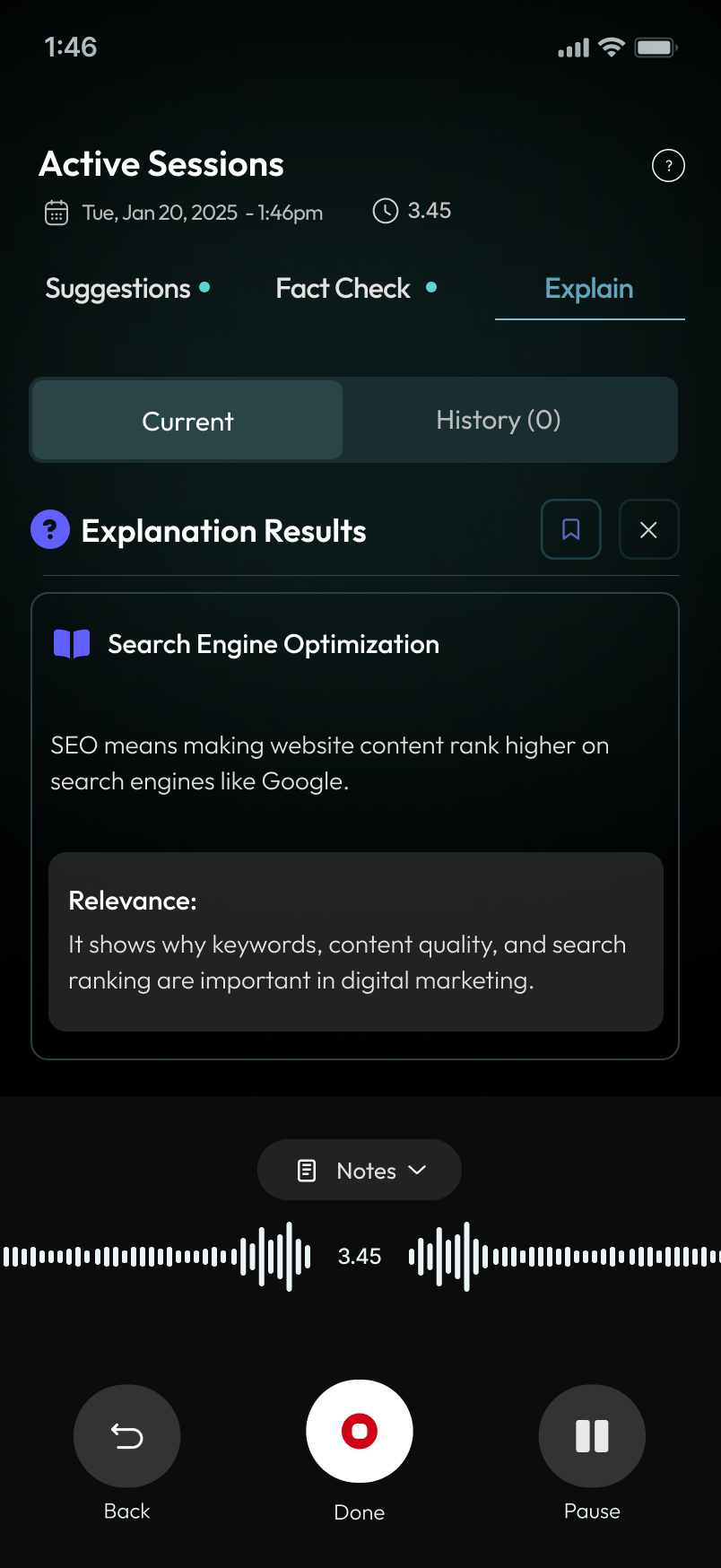
Create your account, calibrate your voice, start listening, and use Suggestions, Fact Check, Explain, AFK Mode, and Transcripts during live conversations.


.png)
.png)
.png)


.png)

Follow these short steps from first login to post-meeting review.
Start by signing up with the same work email you use for meetings.
Modus keeps important meeting tools close by so you can act during the conversation.
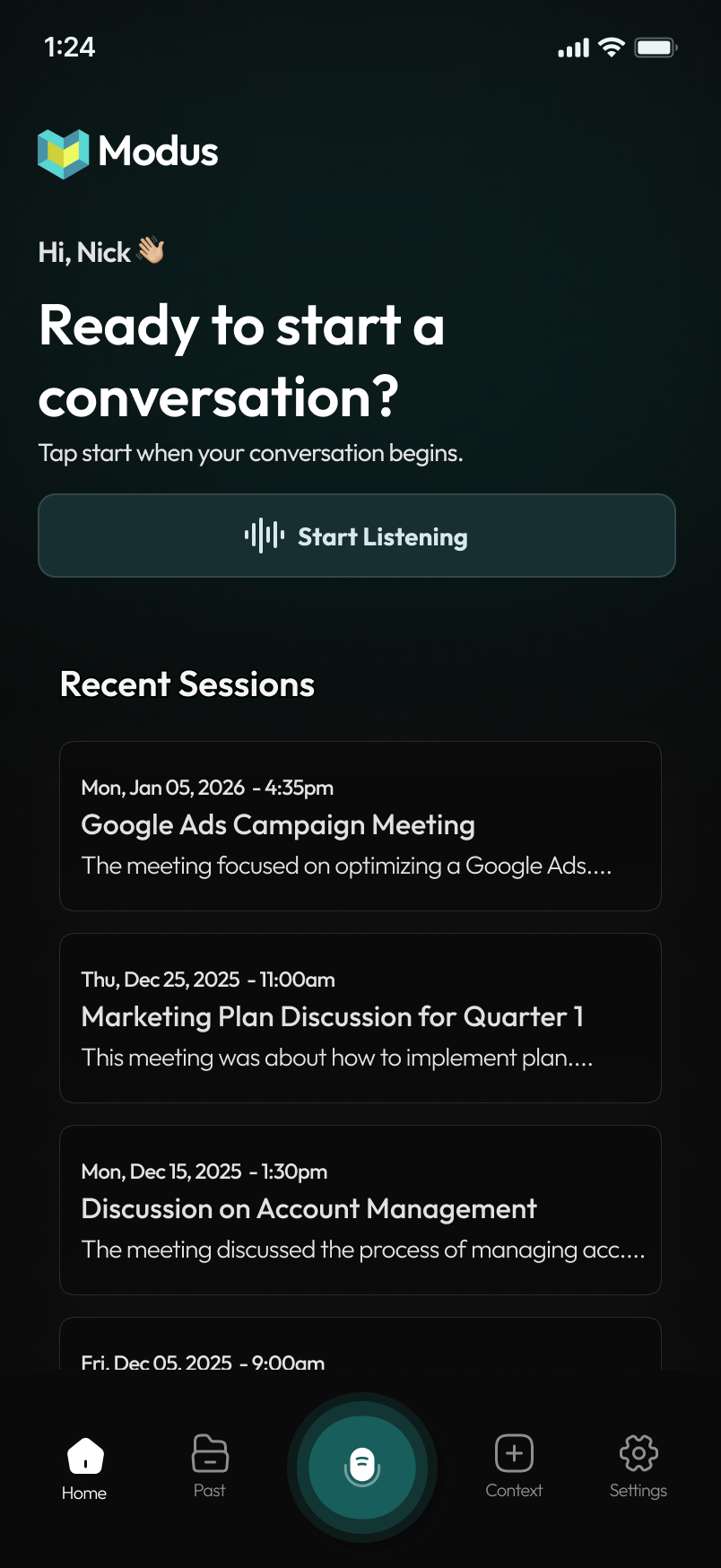
Turn on listening before the conversation starts so Modus can capture the full context.
AFK Mode lets Modus keep listening while you step away from a conversation. When you return, you receive an instant debrief of everything you missed so you can rejoin without skipping a beat.
Suggestions help you stay on track by surfacing useful prompts during important moments.
Use Modus to verify claims or understand complicated terms while the conversation is happening.
Review the conversation without manually digging through every line of the transcript.
End the setup flow by making it clear that users stay in control of their meeting information.
Download Modus, create your account, calibrate your voice, and start getting real-time support in your next meeting.
Call Us:
Email Us:
info@fermionaigroup.com