


AI note taker for Microsoft Teams
Get a live transcript, suggestions, and a recap from your Teams calls. Modus runs on your computer and stays out of the participant list.
Available for Mac and Windows. Start free without a credit card.
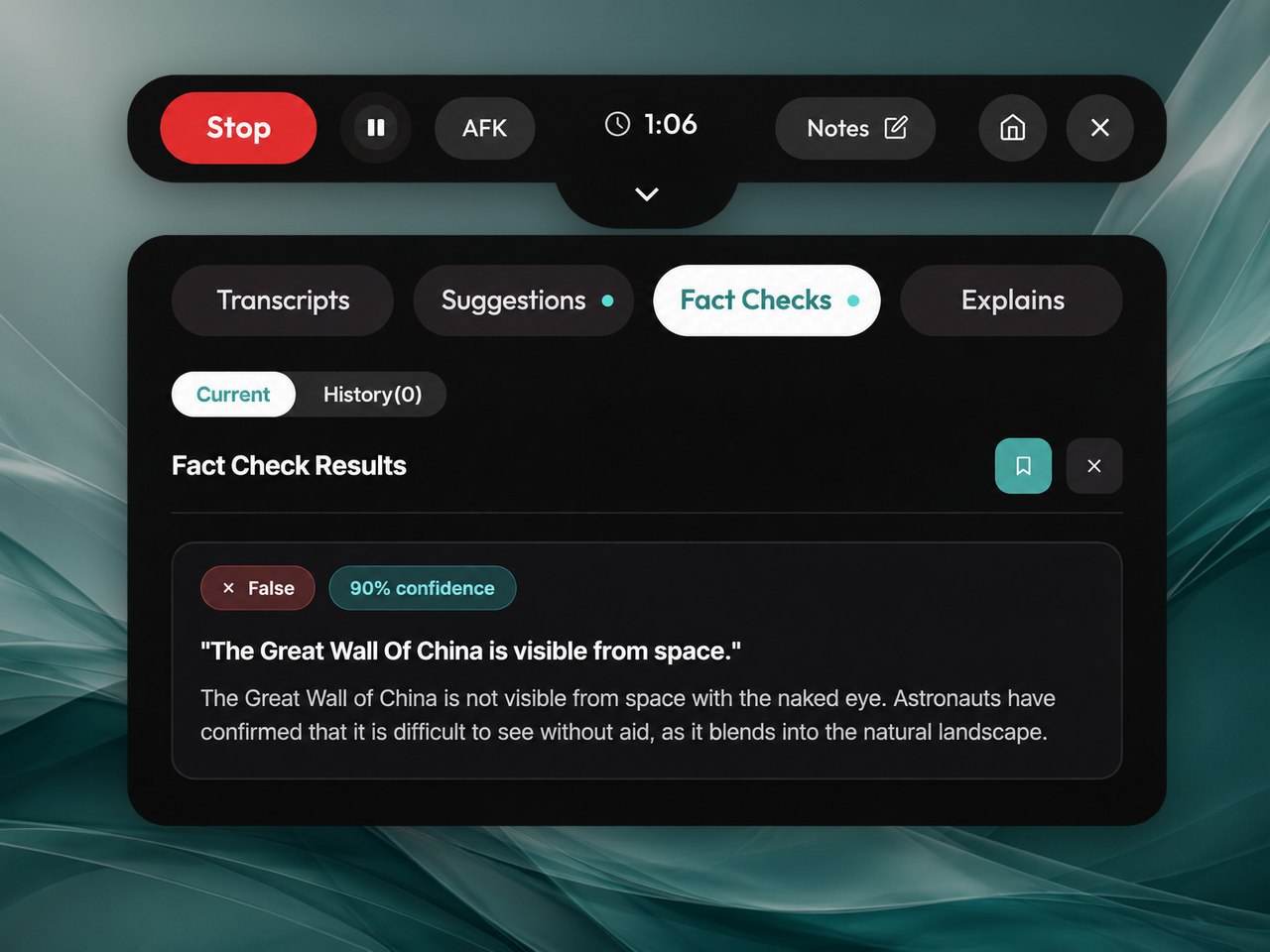
Fact Check during a live session in the Modus desktop app.
How to use Modus with Microsoft Teams
Open Teams and Modus on the same computer. Use a short test call to confirm that the transcript captures both sides of the conversation.
Install Modus
Choose the Mac or Windows installer, sign in, and complete the first-run setup.
Join your Teams call
Use your usual meeting link and choose computer audio. Check your speaker and microphone in Teams audio settings if needed.
Start listening
Let attendees know you’re using an AI note taker and follow your organization’s policy. Select Start Listening in Modus and check that the Transcript tab updates as people speak.
Review the recap
Stop listening after the call. Open the session in Modus to review the transcript, summary, and action items before sharing your notes.
What Modus captures during a Teams call
Live transcript
Read back what someone just said and return to a decision or detail while the meeting is still running.
Suggestions and fact-checks
Get a prompt for your next question. When a client quotes a number, open Fact Check and verify the source before relying on it.
See a live fact-check exampleSummary and action items
Review what was decided, identify next steps, and confirm who owns each action before sending a recap.
Fact Check and Explain are Pro features. Compare plans.
Microsoft Teams note-taking FAQ
Does Modus join Teams as a bot?
Modus runs as a separate desktop app alongside Teams and stays out of the attendee list. See how bot-free note-taking works.
Can I try Modus on a Teams call for free?
Yes. Start with the free plan for transcripts, suggestions, and summaries. See what each plan includes.
What if the live transcript is empty?
Confirm Modus is listening and Teams is using computer audio. Check your Teams speaker and microphone, then try a short test call.